Savings Data Import

Edit Content
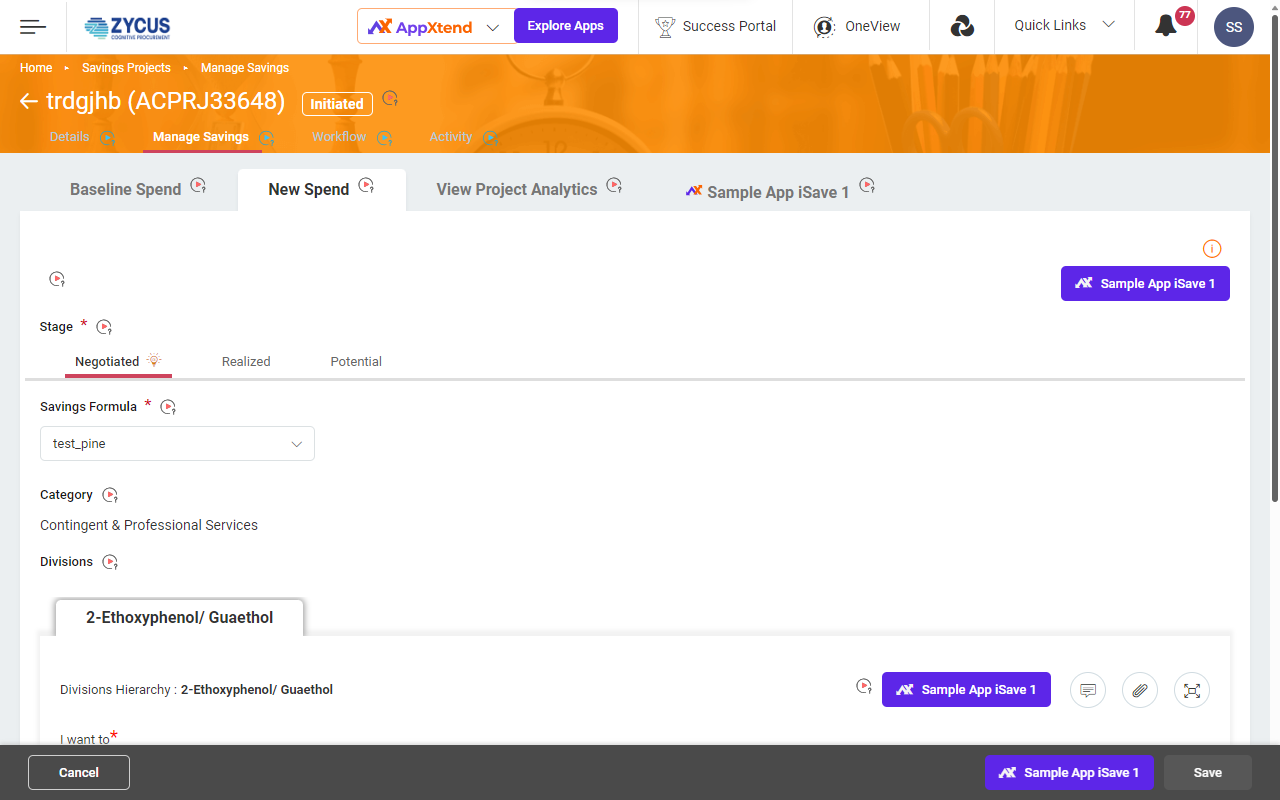
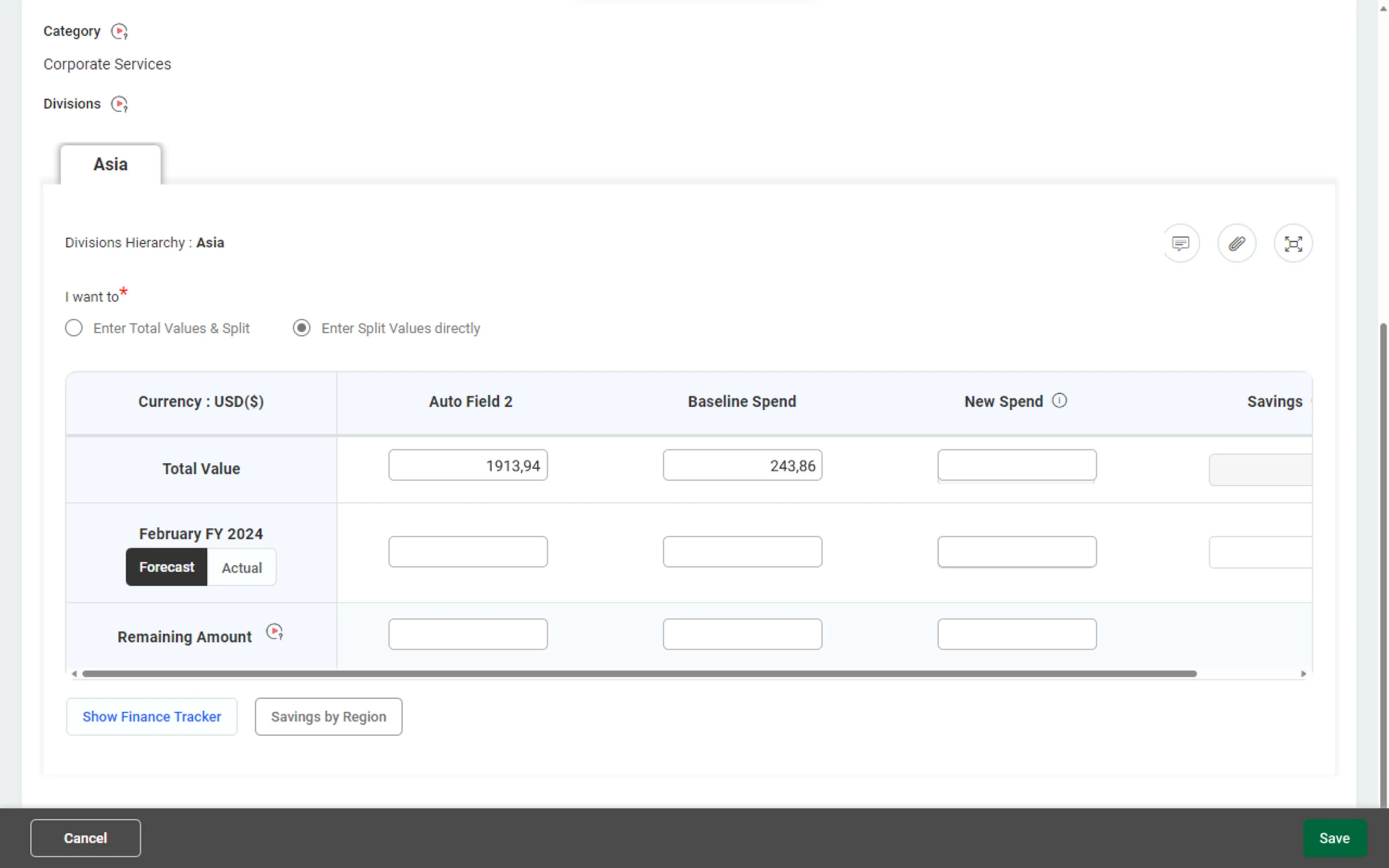
iSave is a savings tracking system used to efficiently track financial data. Currently, sourcing managers are expected to enter data manually into iSave from excel that they use internally to manage savings and spend data. This leads to duplication of effort or the possibility of manual errors from copying all information from excel to Savings project.
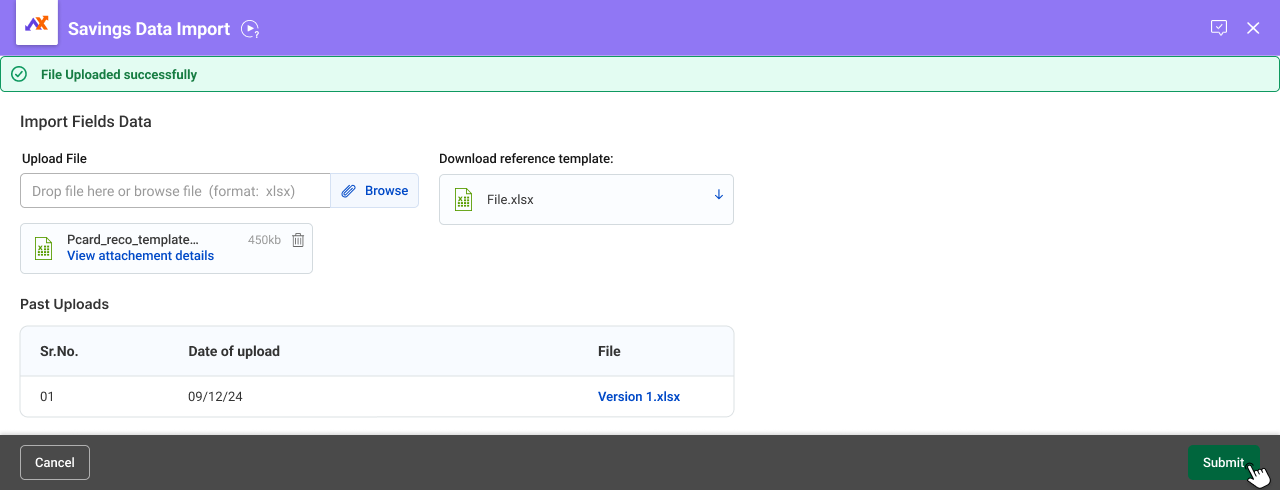
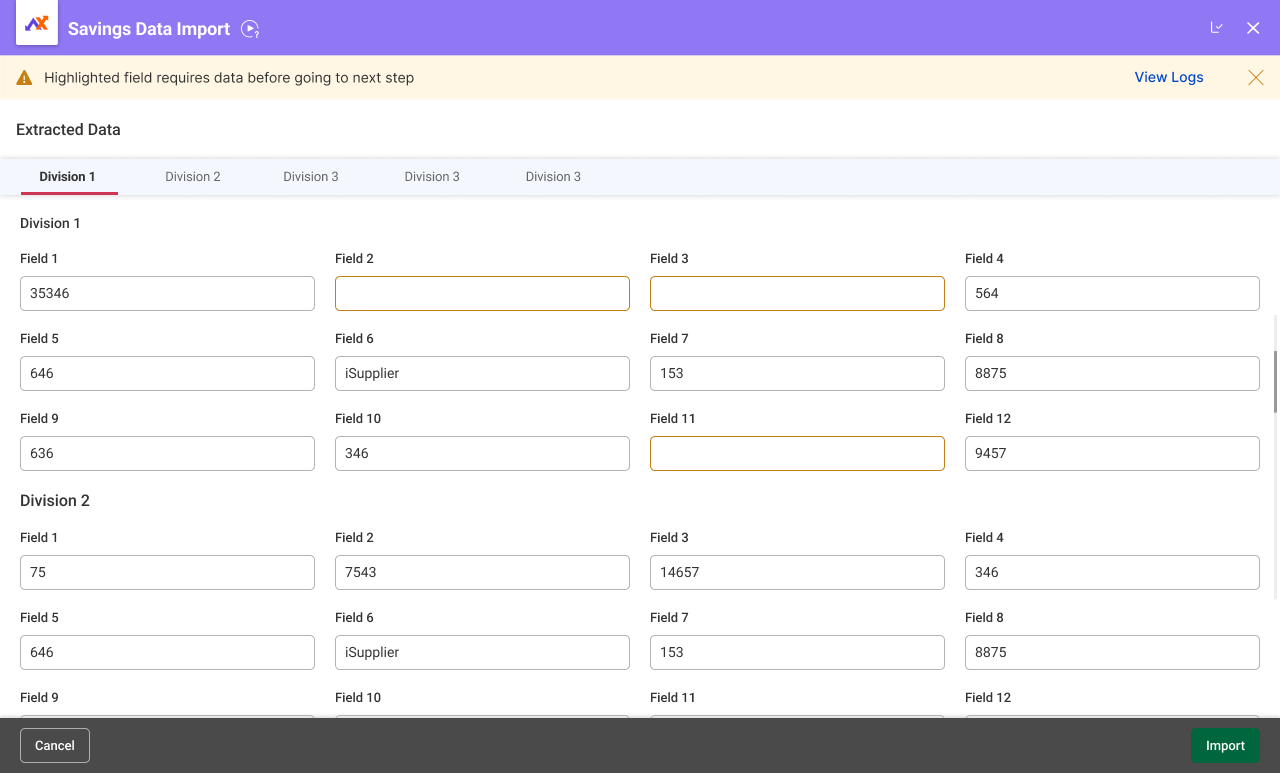
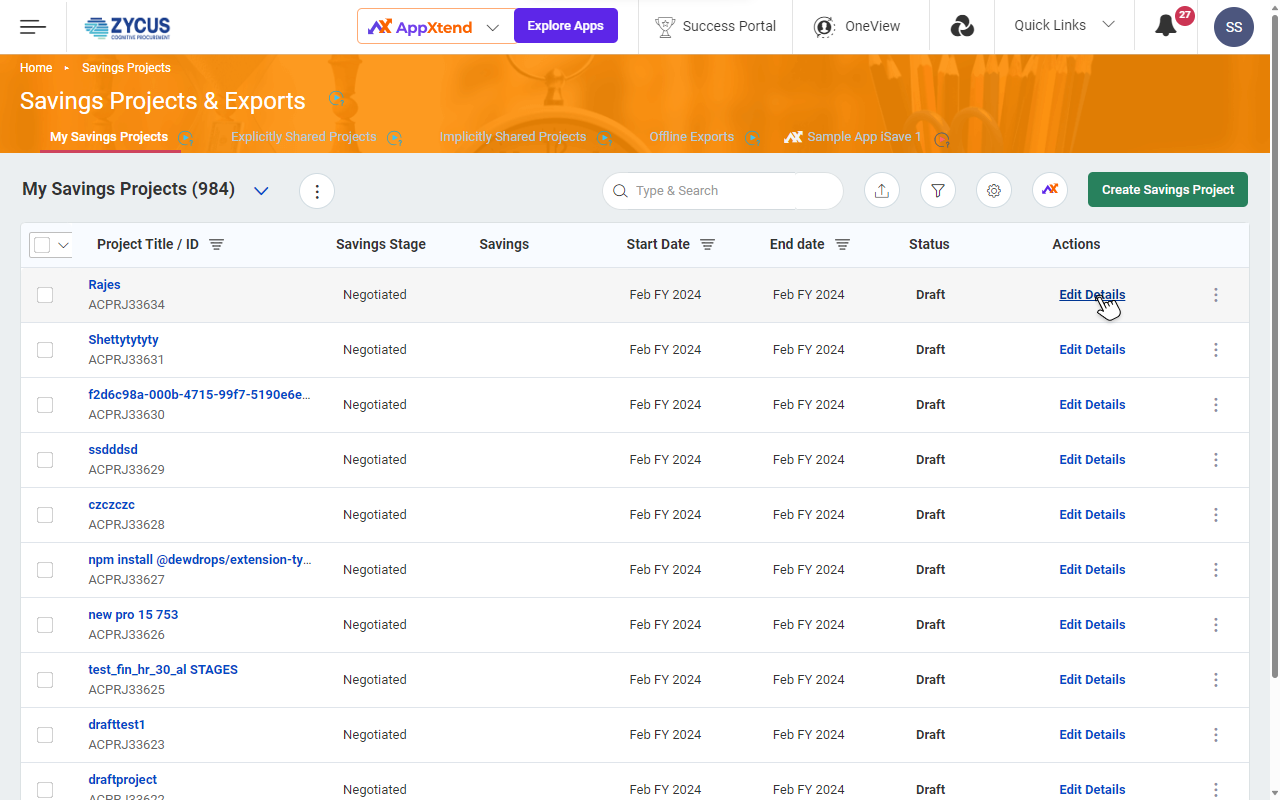
With the Introduction of Savings Data Import app, the user will be able to import financial data from the uploaded sheet into the iSave project for all divisions/business unit in the given stage of the project.
Edit Content
  • Effortless Data Import: Allows you to import financial data directly from Excel, saving time.
  • Seamless Mapping: Simplifies data integration by offering pre-configured field names that closely match those in your existing Excel template. You can easily map any unmatched fields for a smooth import process.
  • Error-Free Data Transfer: By mapping fields and ensuring consistency between your template and iSave, this feature reduces the risk of errors during data import. This ensures accurate savings tracking and reliable data for decision making.
Edit Content
Configure app for tax integration.
Scroll to Top